
- Where: Studio › Interfaces
What it is
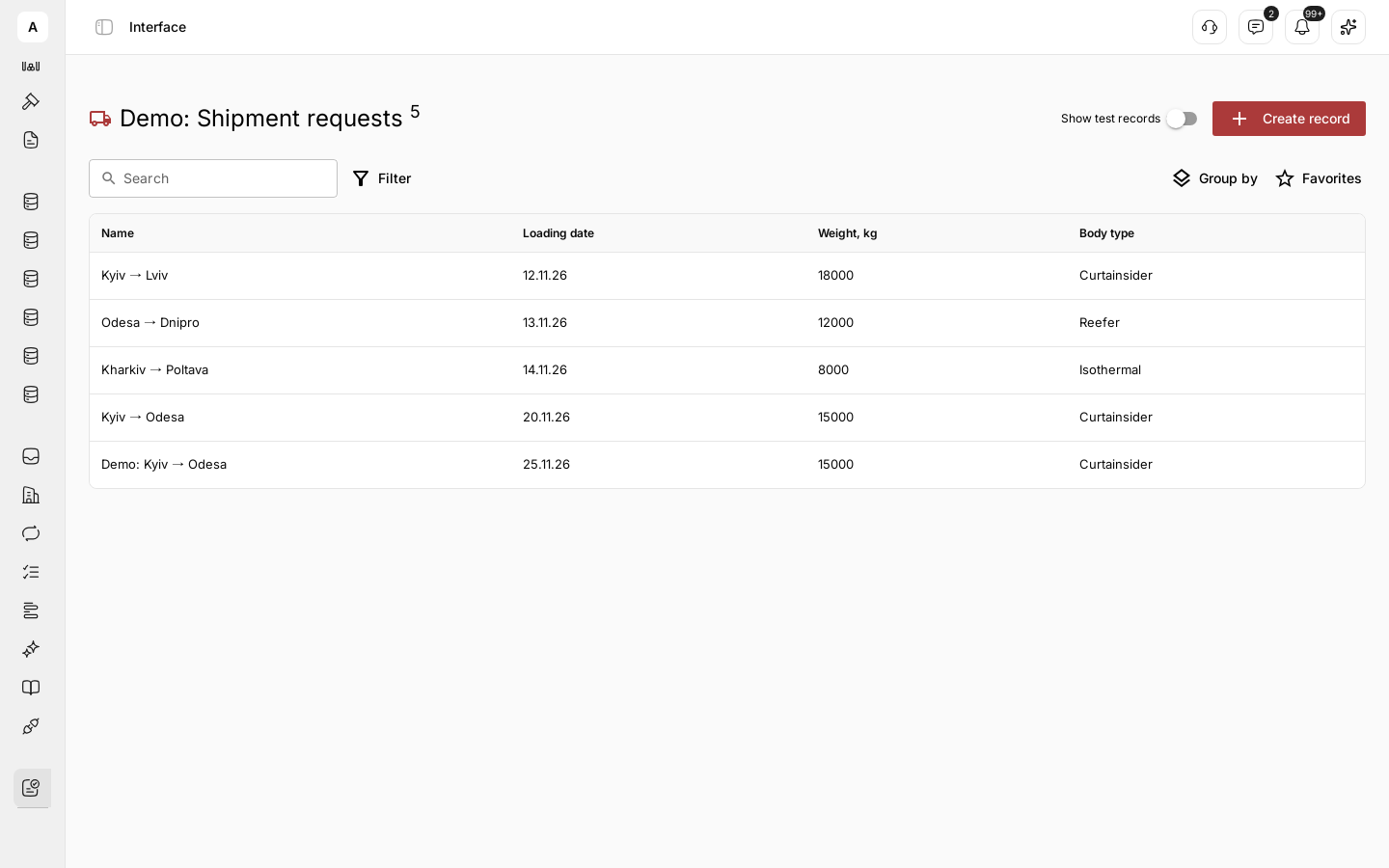
A dispatcher does not need every field of every record. They need today’s requests, sorted by loading date, and one button for the next step. An interface is your team’s working screen on top of a data model.
You decide which fields the screen shows, which records appear and in what order, and which actions the team takes from a row. A person reviews a record and takes the next step in the same place.
What you can do
| Goal | What you get |
|---|---|
| Show the work to a role | A table, a board or a calendar of the records that role handles |
| Decide on one screen | The fields, statuses and related records needed for the decision |
| Act from the list | A workflow started from a row in one click |
| Keep it in the menu | An item in the left menu for the whole team |
How it fits together
- Views: table, kanban and calendar over the same records
- Record page: the fields and blocks a person sees when they open a record
- Row actions: workflows the team runs on a record