
- Where: Studio › Forms
What it is
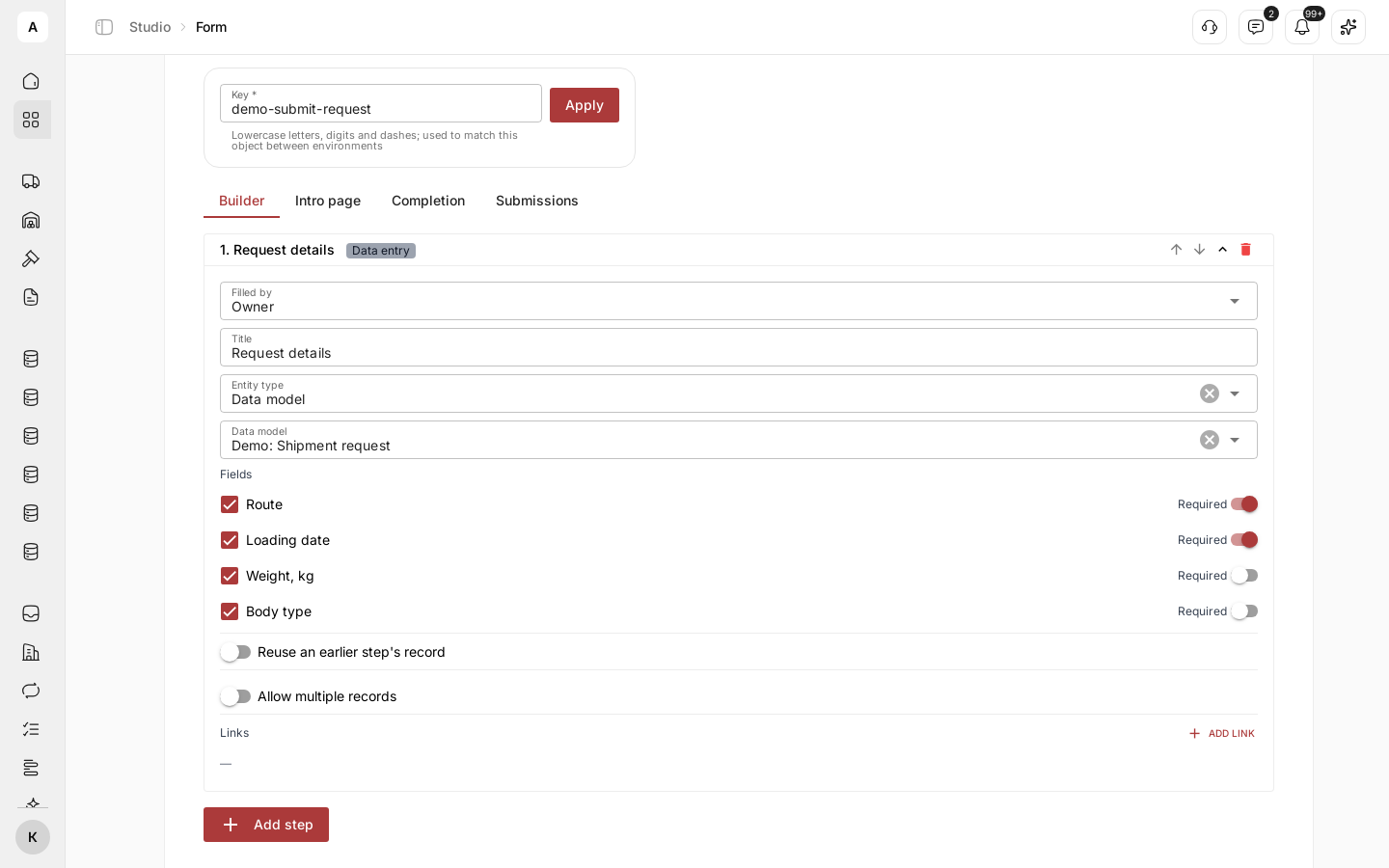
A customer sends a request by email, a carrier sends documents in a messenger, and someone on your team retypes both. A form is a step-by-step screen for entering data. You build it from steps, publish it and send a link. The person fills it in, and the data lands in your data model as a new record.
You also define what happens after a form arrives: create a task, update a record or send the information for review.
What you can do
| Goal | What you get |
|---|---|
| Stop retyping | Submissions that become records with the fields in the right place |
| Collect from outside your team | A link for customers, carriers and partners. They sign in to Cargofy and fill in their part |
| Involve two sides | A form one party starts and another completes |
| Check before accepting | A workflow that holds a step until the data passes your rule |
| Review what came in | Every submission in one list |
How it fits together
- Steps: the screens a person goes through
- Fields: matched to the data model the process uses
- After submit: a workflow picks the record up